
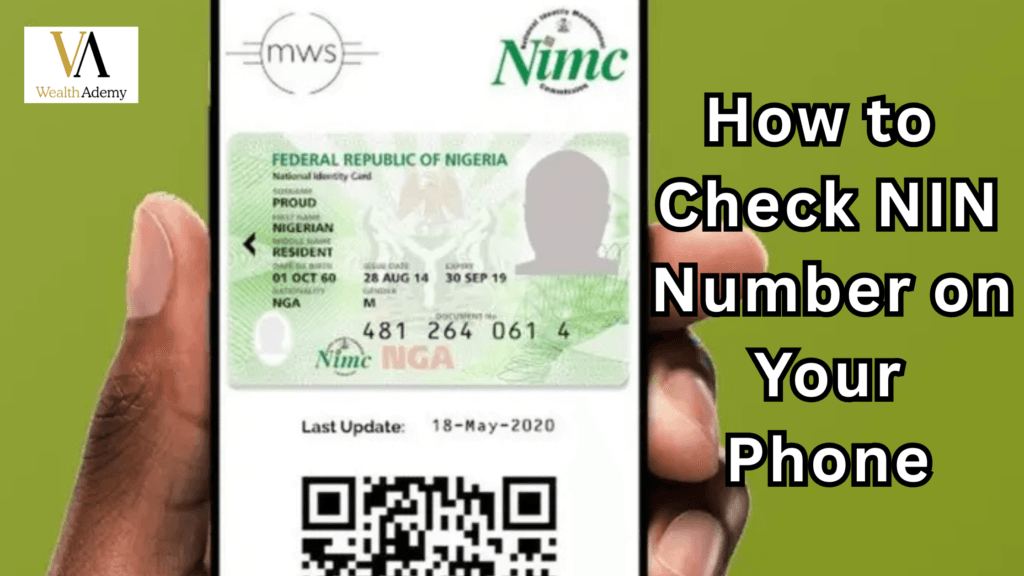
Retrieve Your NIN Quickly on Your Phone
Knowing how to check NIN number on your phone is essential for every Nigerian. Whether it’s for SIM registration, bank verification, or accessing government services, having instant access to your NIN saves time and prevents unnecessary trips to NIMC offices.
This guide will show you how to check NIN number on your phone in seven simple steps. By following this method, you can retrieve your NIN safely, securely, and efficiently. This step-by-step guide ensures that you always have your NIN handy when needed for official purposes.
Your NIN links your identity across multiple platforms. By learning how to check NIN number on your phone, you ensure smooth access to services and protect yourself from fraud.
READ:
What is NIN and Why It Matters
Before we dive into how to check NIN number on your phone, it’s important to understand what NIN is.
The National Identification Number (NIN) is an 11-digit unique identifier issued by the National Identity Management Commission (NIMC). It contains your personal information and biometric data.
Knowing your NIN is important for:
SIM card registration
Bank account verification
Accessing government programs
Employment background checks
Online verification platforms
Understanding the importance of your NIN ensures that you approach how to check NIN number on your phone with seriousness and accuracy.
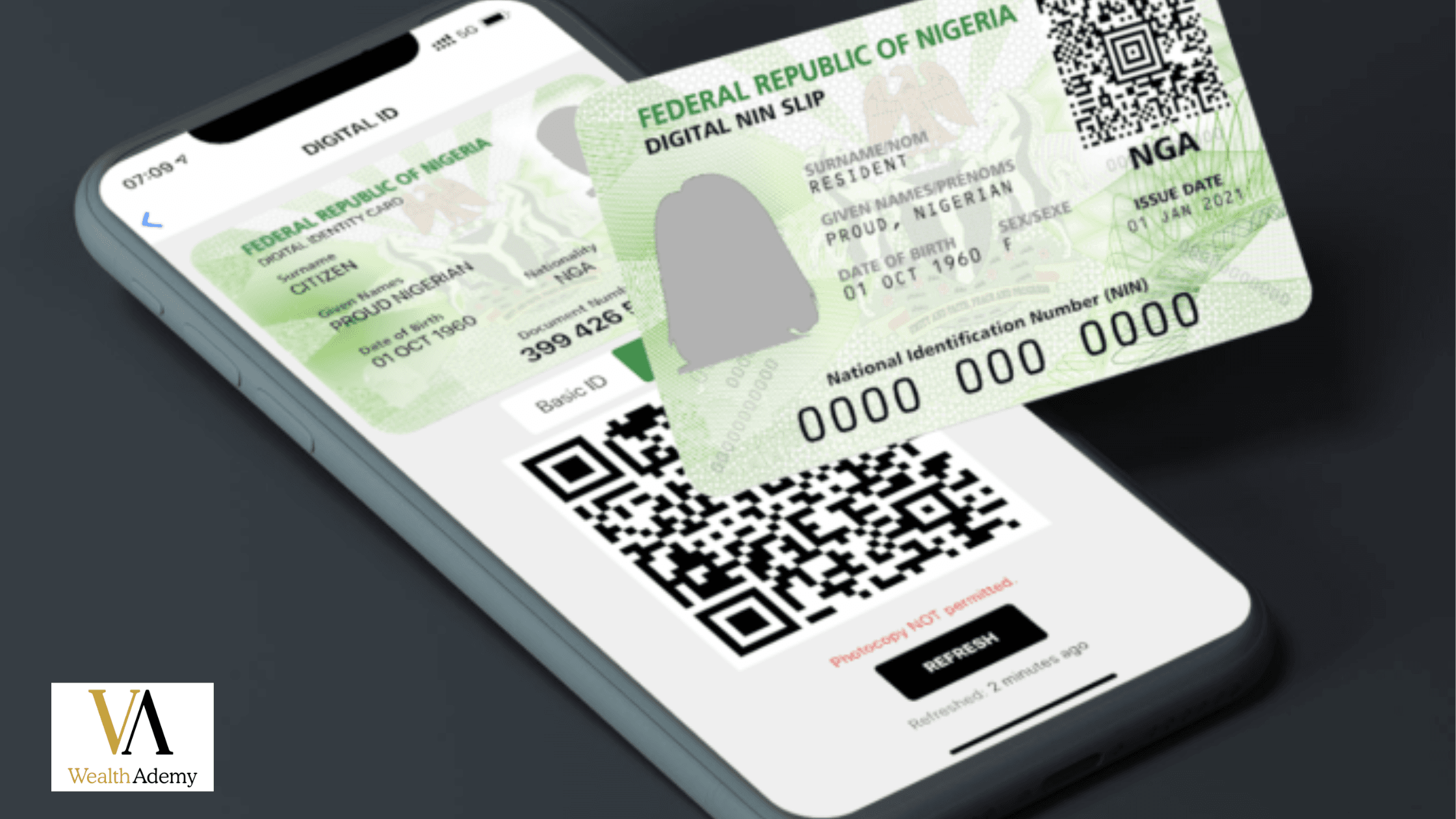
Requirements Before Checking Your NIN on Your Phone
Before attempting how to check NIN number on your phone, make sure you have:
A phone number linked to your NIN
Active SIM card or internet connection
Personal identification like birth certificate or passport
NIMC app installed or access to the NIMC portal
Preparing these in advance ensures a seamless process when retrieving your NIN.
Method 1: Retrieve NIN via SMS
SMS retrieval is one of the simplest ways to check NIN number on your phone.
Steps to Retrieve NIN via SMS
Open your messaging app.
Compose a new message in the format:
FIRSTNAME LASTNAME DATEOFBIRTH.Send it to 55019 (official NIMC shortcode).
Wait for your NIN to appear in the reply.
Notes:
Use the phone number registered with your NIN.
Standard SMS charges may apply.
This method works anywhere, even without internet access.
Method 2: Use the NIMC Mobile App
The NIMC Mobile App is a secure way to retrieve your NIN.
Steps Using the App
Download the NIMC Mobile App from Google Play or Apple Store.
Open the app and select “Retrieve NIN”.
Enter your phone number and personal details.
Verify with OTP sent to your phone.
Your NIN will display, and you can save or print it.
Advantages:
No office visits required
Instant verification
Secure retrieval
Method 3: Use the NIMC Portal Online
If you have internet access, the NIMC portal is an official method to retrieve NIN.
Steps to Retrieve NIN via Portal
Open your browser and go to https://www.nimc.gov.ng
Navigate to “Check NIN”.
Enter full name, date of birth, and phone number.
Complete captcha verification.
Submit and your NIN will display.
Tips:
Ensure your browser is updated
Avoid public Wi-Fi when submitting sensitive information
Save a copy of your NIN for future reference
Method 4: Using USSD Codes
Some network providers allow retrieval of NIN via USSD.
Steps to Use USSD
Dial the NIMC USSD code (check with your network provider).
Follow instructions to enter your personal information.
Receive NIN as a text response.
Benefits:
Works without smartphones
Fast and convenient
Effective in low-internet areas
Method 5: Book a NIMC Office Appointment via Phone
If digital methods fail, you can schedule an appointment at a NIMC office.
Steps to Book an Appointment
Call the NIMC hotline.
Provide personal information.
Receive confirmation SMS with time and location.
Visit the office to retrieve your NIN.
This ensures accuracy, especially if previous attempts failed.
EXPLORE: 21 Smart Passive Income Ideas That Will Make You Rich
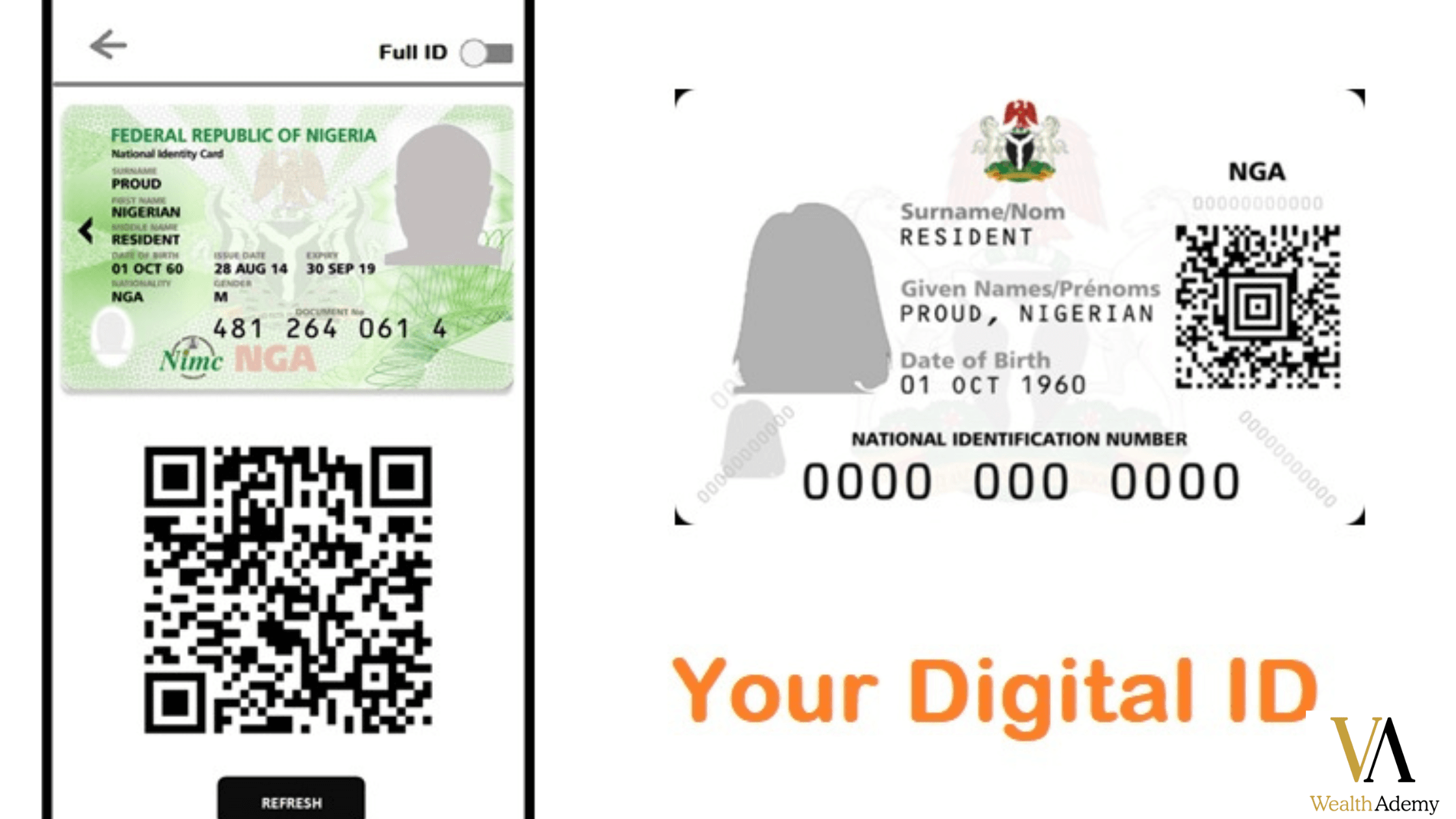
Common Issues and Troubleshooting
Even with proper methods, users may face issues.
SMS Issues: Ensure your number is registered and has sufficient balance.
App Crashes: Clear cache, update or reinstall the app.
Portal Errors: Use an updated browser and stable internet.
USSD Failure: Retry later or switch network.
Security Tips
Protect your NIN while using your phone:
Only use official NIMC channels
Avoid third-party apps claiming to retrieve NIN
Use secure Wi-Fi networks
Save NIN securely on your phone
Step-by-Step Guide Summary
Here’s a quick summary of how to check NIN number on your phone:
SMS retrieval using 55019
NIMC Mobile App
NIMC portal online
USSD codes from your network provider
Phone appointment to NIMC office
Keep phone number updated
Save NIN securely
How to Check NIN Number on Your Phone for Multiple Users
If managing multiple NINs:
Use NIMC app for each user separately
SMS method per registered number
Maintain a secure spreadsheet with names, DOB, phone numbers, and NIN
Using NIN for Banking, SIM, and Government Services
Banking Services: Account opening, loan applications, verification
SIM Registration: Register new SIMs or upgrade existing ones
Government Programs: Social welfare, N-Power, voter registration
Checking your NIN on your phone ensures smooth access to all services.
Verification of Your NIN on Phone
App Verification: Enter NIN and personal info to confirm validity
Portal Verification: Enter NIN and DOB online to confirm registration
Verification avoids delays in services requiring your NIN.
Troubleshooting Common Problems
SMS not delivered: Check registration and balance
App freezes: Restart, clear cache, update
Portal issues: Use modern browser, stable internet
OTP not received: Wait for network delay, enable SMS permissions
LEARN: How to Boost Online Income | 17 POWERFUL WAYS That Still Work Today
Benefits of Knowing Your NIN on Phone
Immediate verification for services
Avoid office queues
Apply for jobs or programs quickly
Protect identity against fraud
Case Studies
Chinedu (Lagos): Retrieved NIN via app, verified bank account
Aisha: Retrieved NIN via SMS, registered SIM instantly
Mr. Ade (Abuja): Retrieved NIN online, registered business
Preparing Your Phone for NIN Retrieval
Keep battery charged
Update apps and browser
Securely store NIN screenshots
Back up contacts
Teaching Others: “How to Check NIN Number on Your Phone”
Create a step-by-step guide
Host tutorials online
Send SMS instructions
Share official NIMC links
Future Trends
Biometric verification updates
Integration with e-services
Mobile wallet integration
Multi-user retrieval features
Checklist Before Retrieving NIN
Registered phone number
Active SIM or internet
NIMC app or portal access
Personal identification ready
Secure storage for retrieved NIN
Knowing how to check NIN number on your phone ensures quick, secure access to your identity for banking, government programs, and SIM registration. Using SMS, app, USSD, or portal methods guarantees reliable results. Implement these steps to always keep your NIN ready, safe, and accessible.
DISCOVER: 7 Powerful WEALTH-BUILDING Strategies That Transform Your Financial Future

Advanced Tips on How to Check NIN Number on Your Phone Easily
Knowing how to check NIN number on your phone is useful, but there are advanced strategies to make retrieval faster, safer, and more reliable.
Keep Your Registered Phone Updated
Ensure the phone number linked to your NIN is active and up-to-date. Without this, SMS and app retrieval will fail.
Save Official Contacts
Save NIMC hotline numbers in your phone.
Only use official NIMC channels.
Avoid third-party apps claiming to retrieve NIN.
Use Wi-Fi for App or Portal Access
Stable Wi-Fi ensures smooth access to the NIMC portal or app and avoids session timeouts when checking how to check NIN number on your phone.
Take Screenshots
Whenever you retrieve your NIN, take a screenshot. This ensures instant access without repeated retrieval attempts.
Link Your NIN to Other Services
After retrieving your NIN, link it to:
Bank accounts
SIM cards
Government programs
This reduces repeated checks and ensures all your records are verified.
DISCOVER: 7 Proven Ways to Build Multiple Streams of Income
Retrieving NIN for Multiple Users
Families or organizations may need to retrieve multiple NINs using phones.
Method 1 – NIMC Mobile App
Use the app to retrieve NINs individually for each user. Log out and log back in with different phone numbers as needed.
Method 2 – SMS Method
Send separate SMS requests for each user’s registered phone number.
Method 3 – Organize Data Securely
Maintain a secure spreadsheet with:
Full names
Date of birth
Phone number linked to NIN
Retrieved NIN
This ensures easy access for multiple users and prevents mix-ups.
Using NIN for Services After Retrieval
Once you know how to check NIN number on your phone, you can immediately use it for services:
Banking Services
Open new bank accounts
Apply for loans
Verify ownership of accounts
Conduct secure online transfers
Mobile Network Services
Register or upgrade SIM cards
Avoid deactivation due to unlinked NIN
Ensure compliance with regulations
Government Programs
Apply for social welfare schemes
Participate in N-Power and other youth initiatives
Register for voting and digital identity programs
Checking your NIN on your phone ensures quick access and reduces delays for all these services.
EXPLORE: 10 Best Passive Income Ideas for Beginners | How to Build Wealth While You Sleep
Verification of Your NIN on Your Phone
Verifying your NIN confirms that it is valid and up-to-date.
App Verification
Open the NIMC app
Select “Verify NIN”
Enter your NIN number and personal info
The app will confirm validity
Portal Verification
Visit https://www.nimc.gov.ng
Navigate to “Verify NIN”
Enter your NIN and date of birth
Portal confirms registration status instantly
Verification prevents issues when using your NIN for banking or government services.
FAQs About How to Check NIN Number on Your Phone
Can I check NIN if I forgot my phone number?
You will need a NIMC office visit for verification.
How long does SMS retrieval take?
Typically 5–15 minutes depending on network traffic.
Is checking NIN on my phone safe?
Yes, when using official NIMC channels and secure networks.
Can I retrieve someone else’s NIN?
Only if you have consent and their registered phone number.
Will this work on any smartphone?
Yes. Android, iOS, and feature phones with SMS or USSD can retrieve NIN.
What if the NIMC app gives errors?
Update the app, clear cache, reinstall, or contact NIMC support.
Troubleshooting Common Problems
SMS not delivered: Ensure registration and sufficient balance.
App freezes: Restart, update, or reinstall app.
Portal issues: Use modern browser and stable internet.
OTP not received: Wait for network delays or resend OTP.
These solutions ensure a smooth process for checking NIN number on your phone.
Benefits of Regularly Checking Your NIN
Immediate verification for services
Avoid delays in banking and government processes
Prepare for employment and online verification
Ensure your identity remains secure
Prevent fraud and identity theft
Regularly checking your NIN ensures you are always prepared and compliant.
LEARN: How to manage your money when your income is small
Case Studies: How Checking NIN on Your Phone Helps
Chinedu in Lagos: Retrieved NIN via app in 10 minutes, verified bank account successfully.
Aisha: Retrieved NIN via SMS, registered new SIM the same day.
Mr. Ade in Abuja: Retrieved NIN online, completed business registration without delays.
These examples show how knowing how to check NIN number on your phone saves time and prevents complications.
Preparing Your Phone for Quick NIN Retrieval
Keep battery charged to avoid interruptions
Update apps and browser regularly
Store NIN securely using password-protected notes or apps
Back up contacts and information
Proper preparation ensures smooth access whenever needed.
Teaching Others to Check NIN on Phone
Share a step-by-step guide
Host WhatsApp or Zoom tutorials
Send SMS instructions
Share official NIMC links
Helping others understand how to check NIN number on your phone empowers your community and family.
Future Trends in NIN Access
Enhanced biometric verification
Integration with government e-services
Mobile wallet and payment integration
Multi-user retrieval features
Staying aware of trends ensures you can always access NIN on your phone efficiently.
Checklist Before Retrieving NIN
Registered phone number linked to NIN
Active SIM or internet connection
NIMC app or portal access
Personal identification ready
Secure storage for retrieved NIN
Following this checklist prevents delays and ensures smooth NIN retrieval.
LEARN: How to make money as a freelancer with no experience
Advanced Tips for Frequent Users
Save official NIMC contacts
Use stable internet for app or portal access
Take screenshots for immediate access
Link NIN to bank accounts, SIM cards, and government programs
Avoid third-party apps or services
These tips make it easier for you who wants to learn how to check NIN number on your phone quickly and safely.
Using NIN to Access Multiple Services
Banking: Instant account verification, loans, online transactions
SIM Cards: Registration and upgrades without delay
Government: Social programs, N-Power, voter registration
Employment: Verification for background checks
Regularly checking your NIN ensures smooth access across all services.
Final Thoughts
Knowing how to check NIN number on your phone is essential for every Nigerian citizen. With methods like SMS, NIMC app, portal, and USSD codes, retrieving NIN is fast, secure, and reliable. Following the tips, checklists, and advanced strategies ensures your NIN is always ready for banking, SIM registration, government programs, and online verification.
Stay proactive, keep your NIN secure, link it to necessary services, and teach others how to check NIN on their phone. This guide equips you with knowledge on How to Check NIN Number on Your Phone and everything needed to manage your NIN efficiently and safely.